解释 :
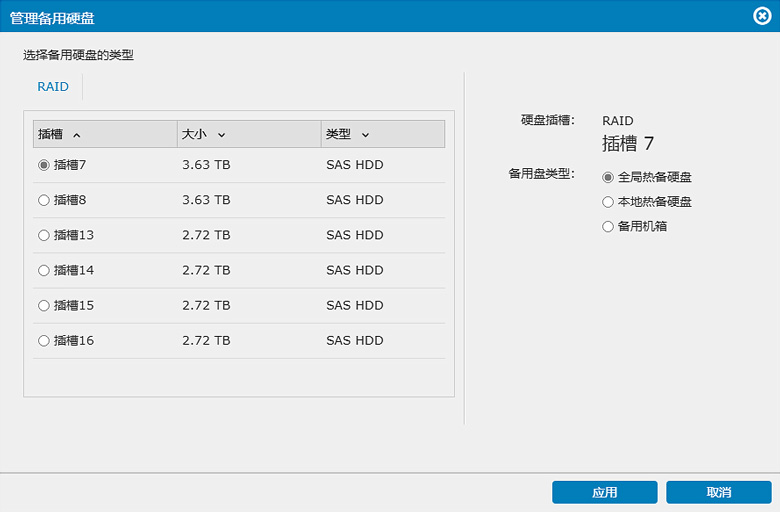
我们提供 3 种类型的热备盘配置 :
- 全局热备 :
热备盘可用于整个系统所有存储池和逻辑磁盘。 - 本地热备 :
为某个存储池或逻辑磁盘预留的热备盘。 - 机箱热备 :
某个机箱中可用的热备盘,可供该机箱的硬盘使用。
要设置热备盘 :
- 启动 GUI (EonOne)。
- 前往“设置 > 存储 > 硬盘”。
- 选择要配置的硬盘。
- 点击“管理备用盘”并按照配置步骤操作。
We use cookies on this website. To find out more about cookies and how they are used on this website, see our Privacy Policy.
By clicking ‘Continue’, you hereby agree with our use of cookies.
Last modified date: Fri, 22 Nov 2024 14:24:10 GMT+8
我们提供 3 种类型的热备盘配置 :

